
Innova-Sonic® Model 203 Economical Ultrasonic Instruction Manual, which provides information on product functions, features, installation, use, and maintenance.
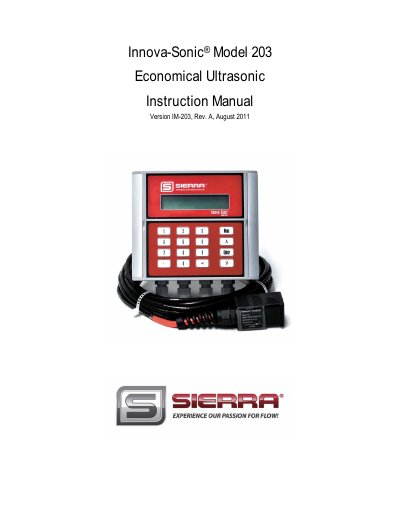
The document serves as a comprehensive instruction manual for the Innova-Sonic Model 203 Economical Transit-Time Ultrasonic Flow Meter. It covers essential procedures including inspection prior to installation, detailed wiring connections for power and transducers, and powering on the device. The guide explains how to navigate the keypad menus to input parameters such as pipe outside diameter and mounting spacing.
| Power Supply (Factory Standard) | 10~24V AC or 10~36VDC/1A max |
|---|---|
| Standard Cable Length | 9 meters (30 ft) |
| Maximum Extended Cable Length | 30 meters (100 ft) |
The normal condition is indicated by code "*R" on the upper left corner of the screen.
Press the Menu key, then input the 2-digit menu ID code.
The self-diagnosis program starts to run. If any error is detected, an error code will display.