
This manual contains important information on the SIERRA 205 Ultrasonic Flowmeter, including product components, installation, use, and maintenance. Please read the manual carefully before operating the flowmeter.
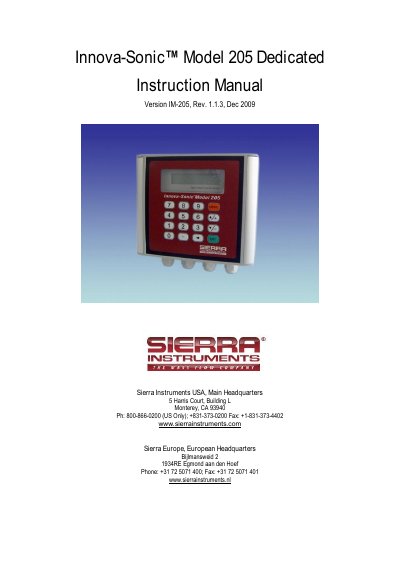
The document is a dedicated instruction manual for the Sierra Instruments Innova-Sonic Model 205 high-performance liquid flowmeter. It covers product components inspection, transmitter installation methods (direct mount and wiring), and powering on procedures.
The guide details keypad functions and operation, including how to navigate over 100 independent windows using menu codes or scroll keys. It explains pipe parameter entry shortcuts, transducer installation methods (V, Z, N, W), signal quality checks, and system calibration steps such as zero set and scale factor adjustment.
The factory standard power supply is 90~245 VAC.
Yes, transmitters can also be powered by a 10-36VDC supply.
Press Menu11 keys to enter Window M11, then press ENT and input the value.