
This user manual provides an overview of the Acer Chromebook 314 and Acer Chromebook Enterprise 314 notebooks.
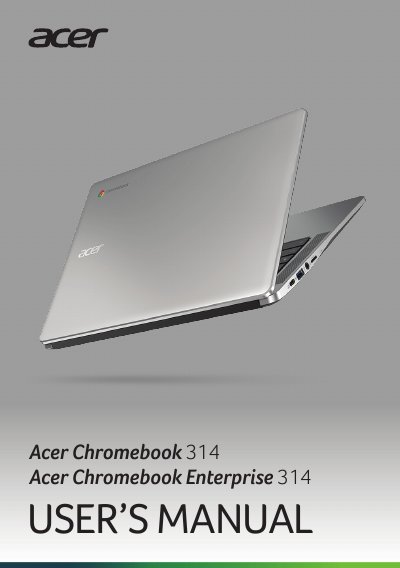
This user's manual covers the Acer Chromebook 314 and Acer Chromebook Enterprise 314, models CB314-3H, CB314-3HT, C934, and C934T. It describes first-time setup: turning on, choosing language, connecting to a network, accepting the Terms of Service, and signing in or browsing as a guest.
The manual also tours the front, keyboard, left and right views; explains function keys, keyboard shortcuts and touchpad gestures; lists USB 3.2 Gen 1 and USB Type-C information; and answers common questions about apps, files, Google Account use, and setup for a child.
| USB Type-C charging current | Up to 3 A at 5 V DC |
|---|---|
| DC-in power requirement | 45 W at 5~20 V |
| Display output over USB-C | DisplayPort over USB-C |
| USB 3.2 Gen 1 port color | Blue |
| Screen option | Touch or non-touch |
Chromebooks use apps from the Google Play Store and on the web.
Chromebooks work with Microsoft Office, and Word, Excel and PowerPoint apps can be found on the web.
Files are stored in the Files app, which you can find by clicking the Launcher icon and searching “Files”.
You can get more apps from the Google Play Store or the web.