
This is the user guide for ASUS RT-AC1900 Wireless Router
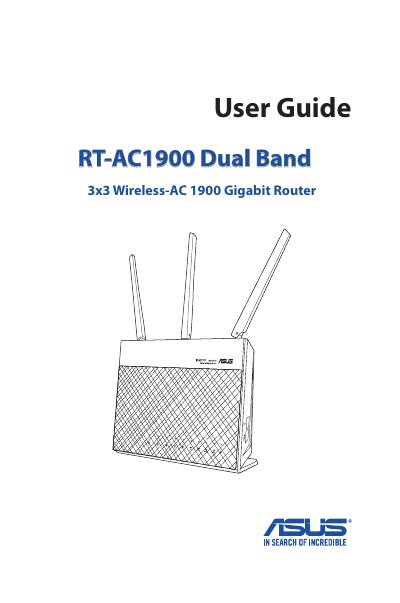
This manual provides instructions for the ASUS RT-AC1900 Dual Band 3x3 Wireless-AC 1900 Gigabit Router. It covers getting to know the device, package contents, and physical positioning. The guide details how to log into the Web GUI and perform a Quick Internet Setup (QIS) with auto-detection. It also explains how to connect to the wireless network and configure general settings such as wireless security, guest networks, and traffic management.
| Wireless Standard | 2.4GHz and 5GHz dual bands |
|---|---|
| Wireless Speed | Wireless-AC 1900 |
| Power Input | DC +19V |
| Operating Temperature | 0~40°C |
| Storage Temperature | 0~70°C |
Press the Reset button on the device to reset or restore the system to its factory default settings.
You need a computer with an Ethernet RJ-45 port, IEEE 802.11a/b/g/n/ac wireless capability, an installed TCP/IP service, and a web browser.
The Ethernet RJ-45 cables should not exceed 100 meters.