
This is a user manual that introduces the use of RT-AC52U B1 AC750 Dual Band 802.11ac router
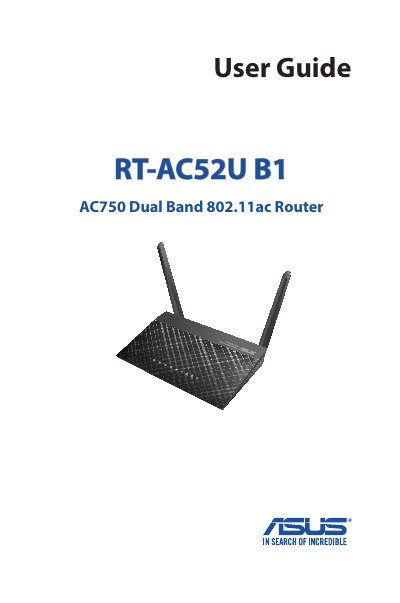
This user guide explains how to set up and configure the ASUS RT-AC52U B1 wireless router. It covers basic setup, network configuration, security settings, parental controls, and troubleshooting. The router supports dual-band Wi-Fi (2.4GHz and 5GHz) for simultaneous streaming and internet use. It also includes features like USB sharing, cloud services, and advanced firewall settings.
| Wireless Standard | 802.11ac |
|---|---|
| Dual Band | 2.4GHz and 5GHz |
| Power Supply | DC Output: +12V with max 1.5A current |
| Operating Temperature | 0~40°C |
| Maximum Power Consumption | 5.65W |
Connect your device to the router using the 2.4GHz or 5GHz Wi-Fi network, or use a wired connection via Ethernet.
The WPS button launches the WPS Wizard to simplify wireless setup.
Use the System > Firmware Upgrade section in the Web GUI to update the firmware.