
This file is the DataMan 8072 ER Reference Manual, which mainly introduces the features and usage methods of DataMan 8072 ER.
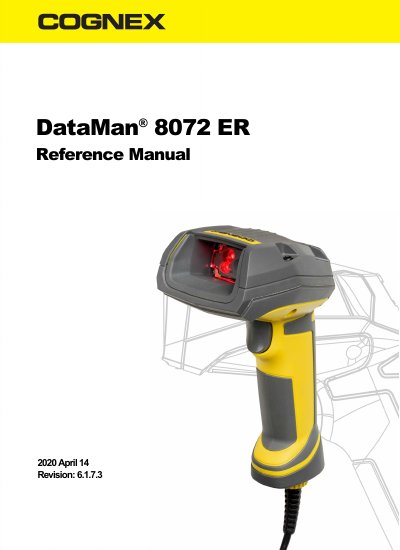
The DataMan 8072ER readers offer advanced technology for reading 1D and 2D codes and belong to the only industrial handheld ID reader family that offers Industrial Ethernet communication. Available with Ethernet, USB, RS-232, or Bluetooth communication options, the system includes an intelligent base station for wireless models that acts as a router between the reader and the computer or network.
The document provides detailed instructions on setting up the reader and base station, including installing the DataMan Setup Tool and connecting via various cables. It also lists specific technical specifications for the imager, base station, and environmental conditions, along with troubleshooting tips and cleaning procedures.
| Weight | 254g |
|---|---|
| Operating Temperature | 0ºC—40ºC |
| Image Resolution | 1280x960 |
| Lens Type | 12mm F:7 lens with liquid lens |
| Bluetooth Version | Bluetooth™2.1 |
| Ethernet Support | 10/100Base-T FULL/HALF DUPLEX |
The DataMan 8072ER readers are available with Ethernet, USB, RS-232, or Bluetooth communication options.
The battery life for the wireless reader allows approximately 4100 triggers to be operated within a 13-hour working shift.
The USB connection requires an external 5.0W maximum LPS or NEC class 2 power supply providing +5V to +6V DC.