
This reference manual provides detailed information on the DataMan 8600 system. It includes instructions for installing, configuring, and using DataMan 8600.
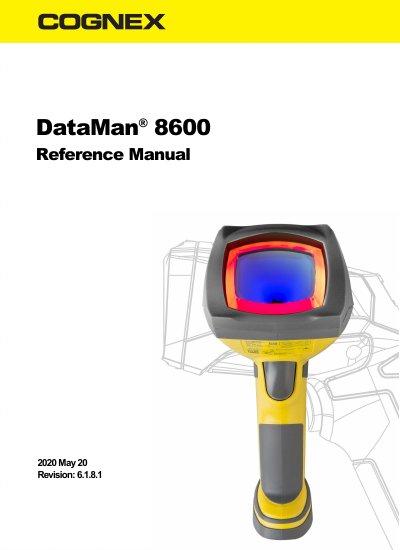
This reference manual covers setup, operation, and maintenance of the Cognex DataMan 8600 handheld barcode reader. It details physical layout, connection options including Ethernet, USB, RS-232, Bluetooth, and WiFi, wireless pairing and buffering, cleaning procedures, and specifications. The reader uses patented UltraLight® technology and 2DMax+ algorithms for reading 1D and 2D codes under various conditions. It also includes compliance information and RoHS data for China.
The manual provides step-by-step instructions for installing the DataMan Setup Tool, configuring the reader, troubleshooting connections, and using the tuning button for optimization. Accessories, base station models, and environmental specifications are also covered.
| Weight | 303g (without slide-in), 345g (with tethered slide-in) |
|---|---|
| Operating Temperature | 0ºC—45ºC (32ºF—113ºF) |
| Storage Temperature | DataMan 8600 wireless: -10ºC—45ºC (14ºF—113ºF), DataMan 8600 tethered: -40ºC—60ºC (-40ºF—140ºF) |
| Maximum Humidity | <95% (non-condensing) |
| Ethernet | 10/100Base-T FULL/HALF DUPLEX, IEEE802.3 |
| Bluetooth | Bluetooth™ 2.1, 2.4GHz |
| WiFi | 802.11b/g, 2.4GHz, User Selectable channels 1-11 |
The DataMan 8600 supports Ethernet, USB, RS-232, Bluetooth, and WiFi communication options.
The Extended Read Attempts button is used for Tuning Optimization, which automatically selects the best read setup for the current decode and locks in settings like symbology, exposure, lighting, and focus.