
This document is a performance guide that introduces how to optimize Vidi's performance.
This guide explains how to optimize ViDi performance by adjusting tool parameters, selecting appropriate NVIDIA GPUs, and configuring system settings. It covers processing time, throughput, application design, and hardware options including multi-GPU setups. Performance is influenced by factors like feature size, sampling density, and GPU type (consumer vs. professional). NVIDIA TCC driver mode and Tensor Cores are recommended for optimal performance. The guide also includes a glossary of NVIDIA GPU terminology and considerations for estimating run-time performance.
| NVIDIA GPU Minimum Requirement | CUDA compute capability 3.0 or higher |
|---|---|
| Recommended Driver Mode | TCC (Tesla Compute Cluster) |
| Recommended GPU Type | Professional-grade (Quadro or Tesla) |
| Minimum GPU Memory | 4GB |
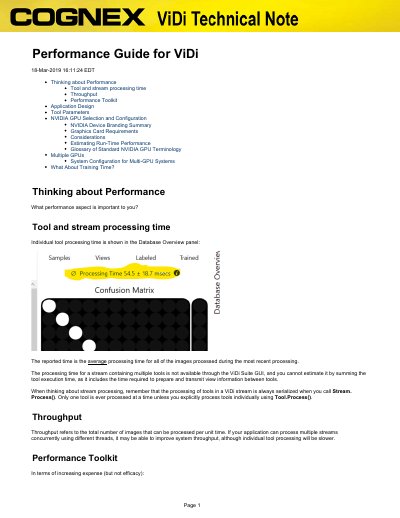
Tool processing time is shown in the Database Overview panel. For streams with multiple tools, processing is serialized unless tools are processed individually using Process().
Low-precision mode can improve processing speed by 25% to 50% on compatible systems, especially those with Turing Tensor cores.