
This guide introduces the Cognex Industrial Cameras series, including the CIC GigE Vision cameras.
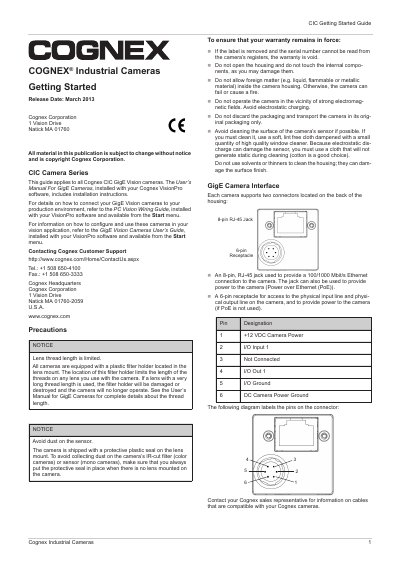
This guide serves as a starting point for Cognex CIC GigE Vision cameras. It directs users to the User's Manual For GigE Cameras for installation instructions and the GigE Vision Cameras User's Guide for configuration details. The document provides essential safety precautions, such as avoiding dust on the sensor and ensuring the serial number label is not removed to maintain warranty.
| Ethernet Connection | 100/1000 Mbit/s |
|---|---|
| Power over Ethernet | IEEE 802.3af |
| Operating Temperature | 0°C ... +50 °C |
| Storage Temperature | -20°C ...+80 °C |
| Operating Humidity | 20% ... 80%, relative, non-condensing |
Applying more than +13.2 VDC may damage the camera.
Applying less than +11.3 VDC may cause erratic operation.
If the label is removed and the serial number cannot be read from the camera's registers, the warranty is void.