
This manual introduces the basic operation methods of Kodak EasyShare Photo Printer 300 printer, including connecting devices, installing color cartridges, loading paper, setting the printer, and printing photos.
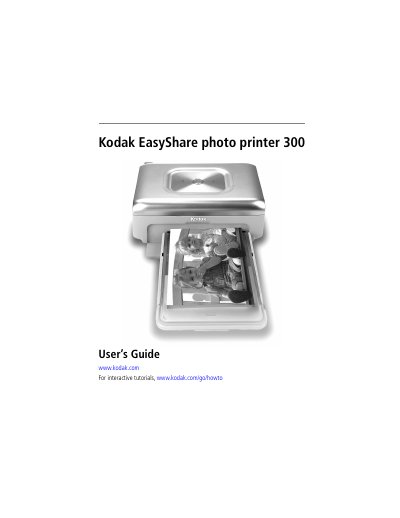
This guide helps you set up and use the Kodak EasyShare Photo Printer 300. It covers connecting the printer to power and a computer, installing the color cartridge and paper, printing from a camera or computer, and maintaining the printer. It also includes troubleshooting tips and customer support information.
The printer uses thermal dye transfer technology to print 4x6 inch photos. It requires a 24V DC output and can operate on 100-240V AC input depending on the region. The printer has status lights for the color cartridge, power, and paper, and it includes safety instructions for proper ventilation and storage.
| Printing Process | Thermal dye transfer |
|---|---|
| Operating Environment | Temperature: 50 to 95 °F (10 to 35 °C), Humidity: 10% to 86% RH |
| Power Input | 100 V to 120V AC @ 50/60 Hz (US and Canada), 100 V to 240V AC @ 50/60 Hz (all other countries) |
| Print Speed | Approximately 90 seconds for full 4 x 6 in. (102 x 152 mm) print |
| Print Size | 4 x 6 in. (102 x 152 mm) |
| Picture Resolution | 300 ppi, continuous tone |
| Dimensions (Without Paper Tray) | 5.39 x 7.44 x 2.91 in. (137 x 189 x 74 mm) |
| Weight (Without Paper Tray) | 33.5 oz (950 g) |
Connect the AC power cord to the AC power adapter, then to the back of the photo printer. Plug the AC power cord into a power outlet. Press the On/Off button to turn the power on.
Approximately 90 seconds for a full 4 x 6 inch print. Print speed depends on picture size, number of continuous prints, and environmental conditions.
Handle the paper by the edges or perforated tabs. Do not touch the glossy side. Store paper flat, away from direct sunlight and high-temperature environments.