
This manual provides detailed instructions on how to operate the SHARP Electronic Cash Register, Model XE-A107. It covers everything from installation to use and maintenance.
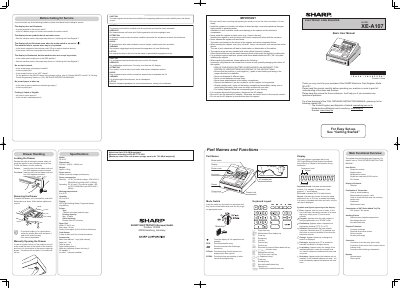
This document serves as a basic user manual for the SHARP XE-A107 electronic cash register. It provides essential safety warnings, installation guidelines, and an overview of the device's main functions, including single item entries, PLU entries, and various sale types. The manual also details the keyboard layout and display symbols to assist operators during transactions.
| Dimensions | 335(W) x 360(D) x 190(H) mm |
|---|---|
| Weight | Approx. 4.0 kg |
| Power consumption (Stand-by) | 1.5 W |
| Power consumption (Operating) | 2.3 W (max.) |
| Working temperatures | 0 to 40 ºC |
| Humidity | 20 % to 90 % |
| Display type | LED 7-segment display (9 positions) |
| Printer type | 1 station print wheel selective type |
| Printing capacity | Max. 13 digits |
| Paper Roll Width | 57.5±0.5 mm |
Insert the mode key into the drawer lock and turn it 90 degrees counter-clockwise.
It appears when the voltage of the installed batteries is under the required level, indicating you need to replace them soon.
The noise level is 65.9 dB(A-weighted), measured according to EN ISO 7779:2001.