
This manual describes how to use the EnviroLogix QuickScan II rapid scanner.
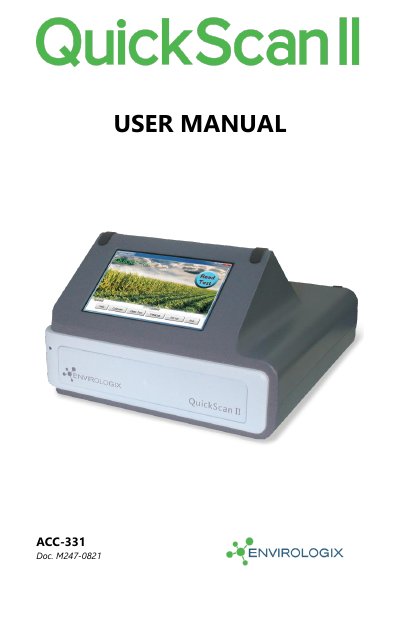
The EnviroLogix QuickScan II is a quantification and traceability system that combines digital imaging technology with advanced mathematical processing to provide rapid, objective, and quantitative results for various EnviroLogix test kits. The system uses a standard Windows platform and features a touch-screen interface for reading single test strips or multi-strip combs.
| Compatible Test Kits | EnviroLogix test kits including QuickComb, QuickStix, TotalTox, and TotalTarget |
|---|---|
| Platform | Standard Windows platform |
| Calibration Frequency | Automatically every day |
The program automatically calibrates the unit every day and also when first opened.
Incorrect calibration may lead to the inability of the system to locate barcodes on the test strips, invalidating test results.
Yes, the DataLog can be saved as an Excel-usable file by clicking the "Save / Export" button.