
Esko-Graphics XPS Crystal Touch 18.1 Operating Manual

This is a user manual for XPS Crystal Touch 18.1
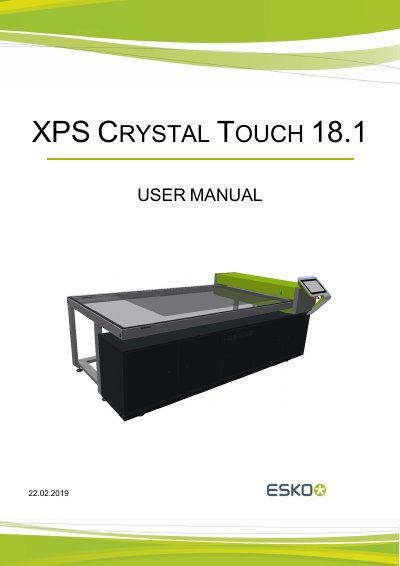

Esko-Graphics XPS Crystal Touch 18.1 Operating Manual - cover page
Brand
Esko-Graphics
Category
Industrial Robot
Document type
User Manual
Language
English
Pages
25
File format
PDF
File size
2 MB
Published
17 October, 2023
Updated
17 October, 2023
MD5 checksum
839AADBF973EBEF0BC0F8F4CA0A2C6D8

About this manual

The XPS Crystal Touch 18.1 is a touch-sensitive screen software designed for plate processing. This operating manual details the procedures for starting and stopping UV exposure, managing plate types, and adjusting system settings such as language, date/time, and measurement units. It also explains how to update the plate list database and back up critical data to a USB stick.

What's inside

  • Operation of the XPS Crystal Touch Software
  • Start UV exposure
  • Stop UV exposure
  • Add new plate types
  • Delete plate type
  • Change desired relief
  • Update plate list database
  • Backing up data
  • Support

Frequently asked questions

What type of screen does the XPS Crystal Touch 18.1 software use?

The software is designed for a touch-sensitive screen.

What must be done to confirm the removal of a plate after exposure?

The removal of the plate from the XPS Crystal must be confirmed.

What happens if UV exposure is stopped before it is finished?

The plate is not exposed to UV fully and evenly.

Download PDF (2 MB)

More Esko-Graphics Manuals


View all Esko-Graphics manuals →