
Esko-Graphics XPS Crystal Touch 18.0 Operating Manual

This is a user manual for XPS Crystal Touch 18.0
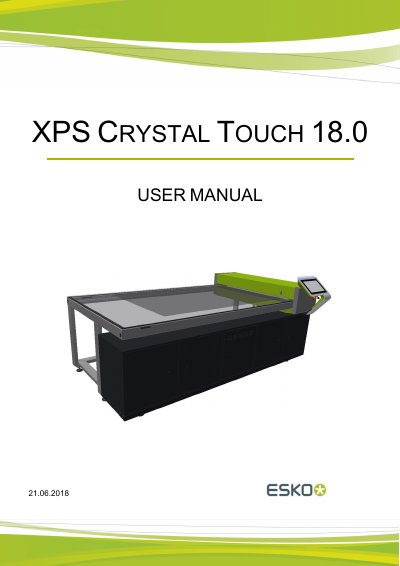

Esko-Graphics XPS Crystal Touch 18.0 Operating Manual - cover page
Brand
Esko-Graphics
Document type
User Manual
Language
English
Pages
21
File format
PDF
File size
1.8 MB
Published
16 October, 2023
Updated
16 October, 2023
MD5 checksum
28A3C5E063B3BF4C881955F4820882C5

About this manual

The XPS Crystal Touch 18.0 is a software application designed for a touch-sensitive screen, primarily used to control UV exposure processes. The manual details how to start and stop exposure, manage plate types, and adjust relief settings directly through the interface.

What's inside

  • Operation of the XPS Crystal Touch Software
  • Start UV exposure
  • Stop UV exposure
  • Add new plate types
  • Delete plate type
  • Change desired relief
  • Update plate list database
  • Check back exposure
  • Shut down XPS Crystal
  • Changing the basic settings

Frequently asked questions

What type of screen does this software require?

The software is designed for a touch-sensitive screen.

How long can the UV exposure take to complete?

The remaining time is shown in the progress display, and the end of the exposure is shown when it finishes.

What happens if you stop the UV exposure before it is finished?

If stopped early, the plate will not be exposed to UV fully and evenly.

Download PDF (1.8 MB)

More Esko-Graphics Manuals


View all Esko-Graphics manuals →