
This manual describes the function and use of XPS Crystal Touch 16.1.
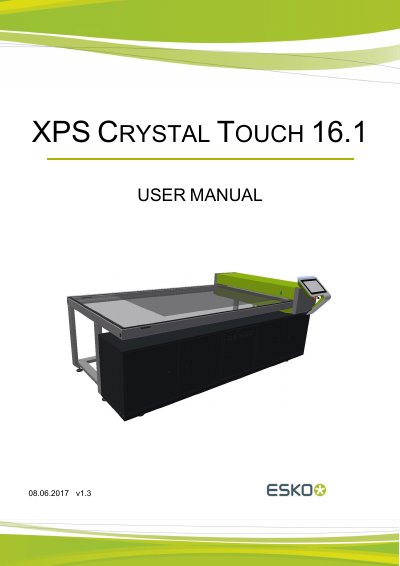
The XPS Crystal Touch 16.1 is a touch-sensitive screen software designed to operate the XPS Crystal imaging machine. The document outlines how to start and stop UV exposure for plates, ensuring proper handling of partially exposed items.
Key operational features include managing plate types by adding new entries or deleting existing ones, adjusting desired relief settings, and updating the plate list database via a USB stick. The manual also covers changing system units between inches and millimeters and performing check floor measurements.
Exposure can be stopped at any time, but the plate will not be exposed to UV fully and evenly.
Copy the plate database file to a USB stick, select 'Update Platelist' in the options menu, follow instructions, and insert the USB stick.