
This document is the Celestron InfiniView™ LCD digital microscope instruction manual
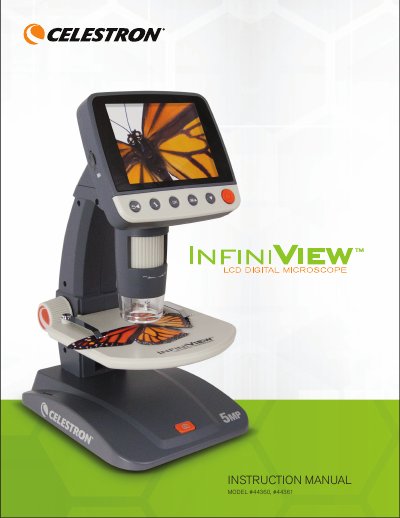
This document is the instruction manual for the Celestron InfiniView™ LCD Digital Microscope, available in models #44360 (US plug) and #44361 (multi-country plug). The device features a 3.5-inch color LCD screen with a 5MP sensor, allowing users to view specimens from 4x to 160x magnification directly on the unit or up to 800x when connected to a computer via USB.
| LCD Monitor Size | 3.5" (80 mm) TFT Color LCD |
|---|---|
| Sensor Size | 5 MP (mega pixels) |
| Magnification Range | 4x to 160x on LCD; up to 800x on computer |
| Lens Focal Length | 15.8mm |
| Power Source | 800 mAh rechargeable lithium battery |
| Video Resolution | VGA, 30fps |
The package includes the InfiniView™ AC Adapter, Lithium Battery, USB cable, TV Out cable, LCD Digital Microscope, Cleaning Fabric, Calibration Ruler, and a CD.
Plug the power adapter into the DC In port on the back of the unit and connect it to a standard AC wall outlet until the Battery Charge Indicator LED turns off.
The software supports Windows XP/Vista/7/8.0 and Mac OSX 10.6/10.7.