
This manual introduces the features and usage methods of PowerTank Lithium Battery.
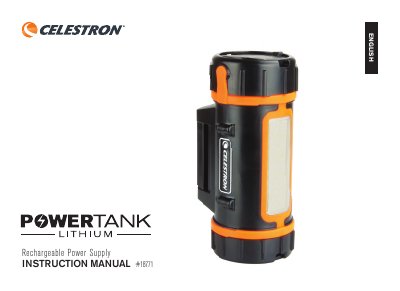
The document serves as an instruction manual for the Celestron PowerTank Lithium, a rechargeable power supply designed to support telescopes and charge USB devices. It details the features of the unit, including its lithium iron phosphate battery chemistry and various output ports.
Key operational instructions include how to charge the battery using the included 16V DC charger, checking remaining battery levels via indicator lights, and powering external devices like cell phones or tablets through two distinct USB ports with different current outputs. The guide also explains how to activate the built-in LED illumination for telescope viewing in red or white light.
| Battery Chemistry | Lithium Iron Phosphate (LiFePO4) |
|---|---|
| Battery Capacity | 84.4 Wh |
| Input Voltage | 16V DC, 2000 mA |
| Charge Time | 4 hours |
| Output for Telescope | 12V DC @ 3A |
| USB Output 1 | 5V DC @ 1A |
| USB Output 2 | 5V DC @ 2.5A |
Press the power button once; four lights indicate a full battery, three lights mean 75%, two lights mean 50%, and one light means 25%.
The unit provides two 5 Volt DC ports with current outputs of 1 Amp and 2.1 Amps.
Press and hold the lighting control button for two seconds to turn on the white LEDs.