
The document describes how to use Celestron WEDGE.
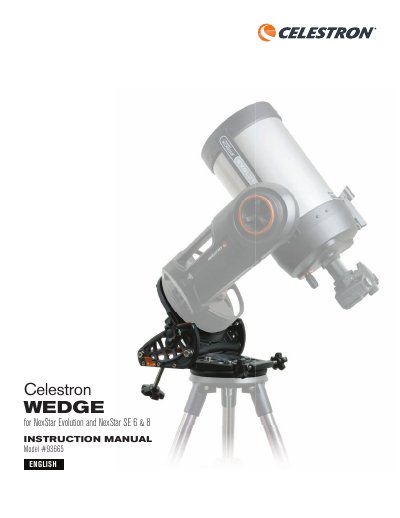
The Celestron WEDGE is an accessory designed for NexStar Evolution and NexStar SE 6 & 8 telescopes to facilitate astrophotography. It tilts the telescope's azimuth axis to track stars in an arc around the celestial pole, preventing image rotation and allowing for longer exposure times. The wedge comes mostly assembled but requires attaching the latitude adjustment rod and potentially adjusting the side latitude plate based on the user's location.
| Load capacity | 16.3 KG (36 LBS) |
|---|---|
| Weight | 6.8 kg (15 lbs) |
| Construction | Cast aluminum with machined aluminum parts |
| Latitude range | 0º to 70º |
It is compatible with NexStar Evolution 6, 8, 9.25, and NexStar SE 6/8.
Loosen the latitude locking knobs, use the latitude adjustment knob to move the tilt plate to your location's latitude, and then tighten the locking screws.
Celestron warrants the product to be free from defects in materials and workmanship for two years.