
Sharp MX-B350W/MX-B450W Digital Multifunctional System User's Manual

This manual describes the functions and operation methods of the digital multifunction system, including copying, printing, faxing, and scanning.
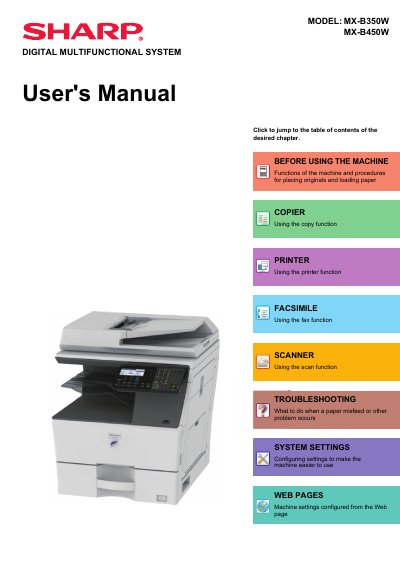

Sharp MX-B350W/MX-B450W Digital Multifunctional System User's Manual - cover page
Brand
Sharp
Category
Printer
Document type
User Manual
Language
English
Pages
306
File format
PDF
File size
7.2 MB
Published
16 October, 2023
Updated
16 October, 2023
MD5 checksum
B7970A542D553224B48565A8295C7D82

About this manual

This document is the User's Manual for the Sharp MX-B350W and MX-B450W digital multifunctional systems. It explains how to use the machine's various functions, including faxing and scanning, and provides instructions for operating the device.

What's inside

  • Before Using the Machine
  • Part Names and Function
  • Loading Paper
  • Turning On the Power
  • Using the Fax Function
  • Using the Scan Function
  • Maintenance
  • Replacing Toner Cartridge
  • Cleaning the Document Glass
  • User Authentication Mode

Frequently asked questions

What is the purpose of the automatic document feeder?

It automatically feeds and scans multiple originals, and it can also automatically scan 2-sided originals.

What is the USB port used for?

This port is used to connect a USB device such as a USB memory device to the machine.

What should you do when loading paper into the bypass tray?

You should open the extension tray when loading paper into the bypass tray.

Download PDF (7.2 MB)

More Sharp Manuals


View all Sharp manuals →