
Red Lion EtherTRAK-2 I/O Modules Quick Start Guide

Introducing the EtherTRAK-2 I/O Modules' functions and usage methods.
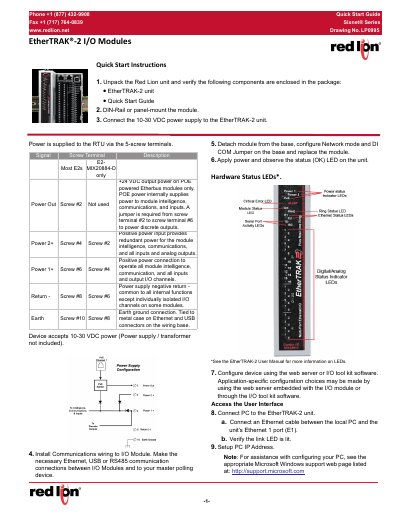

Red Lion EtherTRAK-2 I/O Modules Quick Start Guide - cover page
Brand
Redlion
Category
Industrial Supply
Document type
Quick Start Guide
Language
English
Pages
2
File format
PDF
File size
247 KB
Published
16 October, 2023
Updated
16 October, 2023
MD5 checksum
78305E99DAC4ADDD7E2EB3399A7815CA

About this manual

This document provides a quick start guide for the Red Lion EtherTRAK-2 I/O modules. It details the steps to unpack the unit, verify components, and mount the module on a DIN-rail or panel. The guide covers connecting the 10-30 VDC power supply and establishing communication wiring via Ethernet, USB, or RS485.

What's inside

  • Unpack the Red Lion unit
  • DIN-Rail or panel-mount the module
  • Connect the power supply
  • Install Communications wiring
  • Configure Network mode
  • Apply power and observe status
  • Connect PC to the unit
  • Setup PC IP Address
  • Access Web Server Interface
  • Ethernet Configuration

Specifications

Power Supply10-30 VDC
Subnet Mask255.0.0.0
Hazardous Location RatingClass I, Division 2

Frequently asked questions

How do I access the web server interface?

Open a web browser and enter 10.1.0.1 in the address bar.

What power voltage does the module accept?

The module accepts 10-30 VDC power.

Download PDF (247 KB)

More Redlion Manuals


View all Redlion manuals →