
The CUB5TC is a miniature electronic 5-digit thermocouple meter that conforms to the ITS-90 temperature standard. It features cold junction compensation, minimum and maximum display capture, LCD or LED backlighting, optional setpoint output modules, optional serial communication modules, and operates from a 9 to 28 VDC power source.
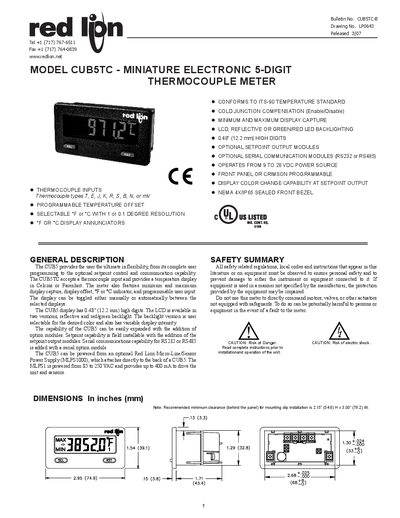
The CUBSTC is a miniature 5‑digit thermocouple meter that can display temperature in °C or °F with 1 or 0.1 ° resolution. It supports a wide range of thermocouple types (T, E, J, K, R, S, B, N, or mV) and offers optional setpoint output and serial communication modules. The unit is powered from 9 V to 28 V DC and can be mounted in a NEMA 4X/IP65 sealed front bezel.
The manual provides detailed instructions for safe installation, wiring, plug‑in card replacement, front‑panel operation, and programming of user inputs and setpoints. EMC guidelines, safety cautions, and optional accessory information are also included.
| Display | 5‑digit LCD, 0.48" (12.2 mm) high digits |
|---|---|
| Input voltage range | +9 to +28 VDC |
| Input current (no output module) | 10 mA |
| Resolution | 1 or 0.1 degrees |
| Operating temperature range | -35 °C to 75 °C |
| Weight | 3.2 oz (100 g) |
| Enclosure rating | NEMA 4X/IP65 |
It accepts thermocouple types T, E, J, K, R, S, B, N, or millivolt signals.
The backlight can be set to red or green LED and is selectable via the front panel or programmable setpoint output.
The meter operates from +9 V to +28 V DC.
Disconnect all power, discharge static, handle cards by the edges, and follow the warning steps before removing the rear cover.