
This manual introduces the NT-1228BL wireless keyboard scanner's connection ways, working modes, scanning modes, output methods, data uploading methods, etc.
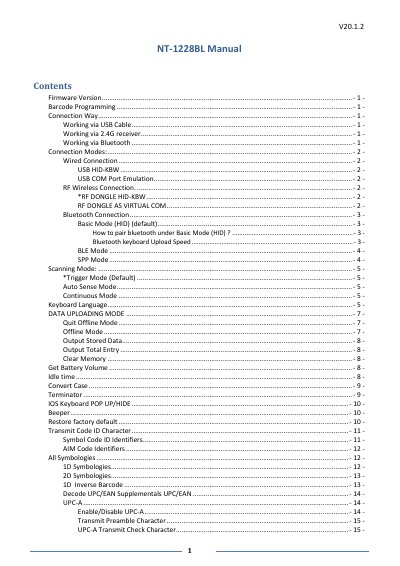
This manual provides instructions for the Netum NT-1228BL barcode scanner, detailing how to check the firmware version and program the device using command barcodes. It covers various connection methods, including wired USB connections and wireless options via 2.4G receivers or Bluetooth pairing.
The scanner will power off automatically if the device is not connected within 1 minute.
No, the scanner works on a Plug and Play basis and no driver is required.
The scanner will make one long beep once it is connected.