
Key facts
- Manuals
- 1
- Languages
- ZH
- Last added
- 2026-09-29
Featured Netum manuals
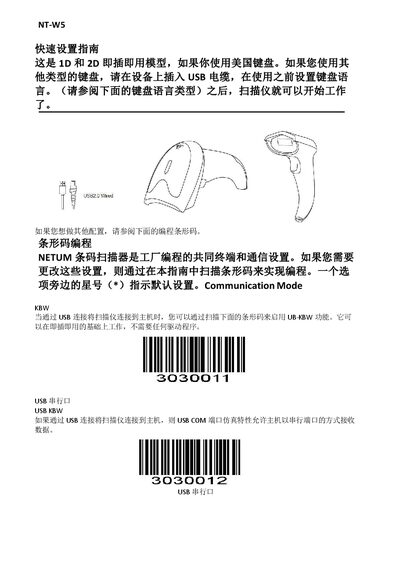
Netum NT-W5 Quick Start Guide
This guide explains how to configure the NT‑W5 barcode scanner after connecting it via USB. It covers selecting the correct keyboard language by scanning the appropriate barcode, choosing scanning modes (manual, continuous, auto‑sense), and setting terminal options such as CR/CRLF suffixes.
The document also details how to enable or disable specific barcode symbologies (UPC‑A, EAN‑13, Code128, etc.), adjust volume levels, and restore factory defaults. For USB serial operation a driver download link is provided, and character mapping tables are included for Code 39 full‑ASCII support. This manual is written in Chinese.
Covers: Keyboard Language Selection · Scanning Modes · Terminal Configuration · Volume Settings · Barcode Symbology Enable/Disable · Default Configuration Reset
Latest Netum manuals
Netum NT-W5 Quick Start Guide
Quick Start Guide 26 pages · 1.4 MB · ZHThe Netum NT-W5 Quick Start Guide provides step‑by‑step setup for keyboard language, scanning modes, and barcode configuration.
Which document do I need?
Quick Start Guide
The shortest path to a working setup, usually only a few pages.
Questions answered in Netum manuals
How do I set the keyboard language for the NT‑W5 scanner?
Scan the barcode that matches your keyboard layout (e.g., French keyboard) to set the language.
Do I need a driver to use the USB serial port?
Yes, download the driver from the provided link; Windows 10 does not require additional software.