
NT-W3 is a plug-and-play barcode scanner designed for use with a US keyboard. It can be adapted to other types of keyboards by setting the keyboard language. It features quick setup and programming capabilities.
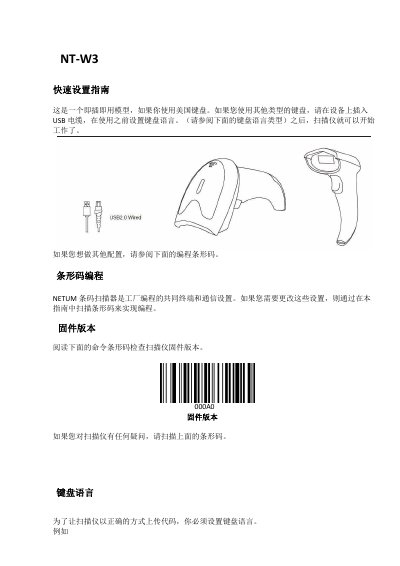
This document serves as a quick setup guide for the NETUM NT-W3 barcode scanner. It explains how to configure the device for plug-and-play use, specifically detailing how to set the keyboard language if a non-US layout is required. The guide also covers basic operational modes. This manual is written in Chinese.
| Product Type | Barcode Scanner |
|---|---|
| Default Keyboard | US Keyboard |
Insert the USB cable and scan the specific barcode for your keyboard layout (e.g., French, German) before using the scanner.
Scan the 'FactoryDefault' barcode to cancel all configurations and restore the device to its default state.
The scanner supports 'Key Hold' mode, where reading ends when the button is released, and 'Continuous Mode' for continuous operation.