
The NT-1200 is a plug-and-play scanner that can adapt to different types of keyboards. It provides functions such as keyboard language settings, scan mode settings, and terminal configuration settings. It supports decoding and transmission of EAN-8 and EAN-13 barcodes with optional sending of checksum. It also has a factory reset feature.
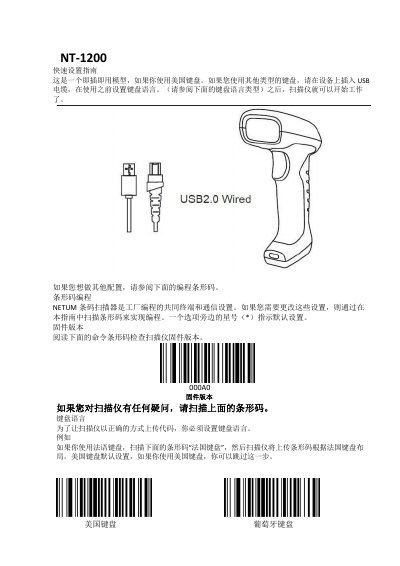
The NETUM NT-1200 is a plug-and-play model that requires USB cable connection to configure the keyboard layout if it differs from the default US setting. Users can set the keyboard language by scanning specific command barcodes listed in this guide.
Beyond initial setup, the manual details how to program various barcode symbologies (such as EAN-13, Code 39, and UPC-A) and adjust their transmission settings. It also covers configuring terminal characters (CR/LF), enabling or disabling check bits for data integrity, and setting up specific scanning modes like Manual or Continuous. This manual is written in Chinese.
The default setting is the American keyboard, so users with this layout can skip the initial setup step.
The scanner will automatically trigger the next read if the read time exceeds the specified duration.
The output code becomes 10 digits long, converting the 13-digit EAN-13 code into an ISBN code.