
Philips 245C5 display user manual, introduces the installation, operation, image optimization, technical specifications, power management and other contents of the display
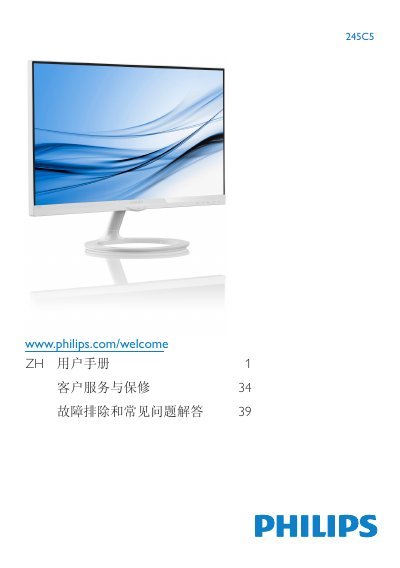
This user manual covers the setup and operation of the Philips 245C5 monitor. It includes instructions for connecting the monitor to a PC, using the On-Screen Display (OSD) menu to adjust settings, and utilizing image optimization features such as SmartImage and SmartKolor. The guide also details the specific functions available for models with Bluetooth speakers (245C5QHA) and MHL support. This manual is written in Chinese.
The monitor should be used in an environment with a temperature between 0-40 °C (32-95°F).
You must wait 6 seconds before reconnecting the power cable to operate normally.