
ViewSonic TD1655 Display User Guide, introduces the safety use, warranty information of the display
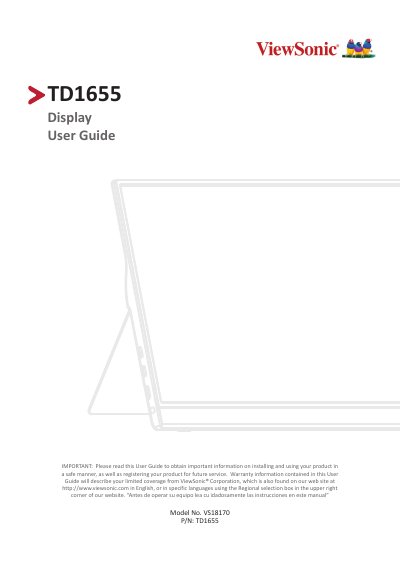
The ViewSonic TD1655 is a portable touch display designed to function as an external monitor or tablet. The package includes the display unit, power adapter, various cables (USB Type C, Mini HDMI), a protective cover, and accessories like a passive pen.
This manual covers safety precautions, initial setup including installing the cover and stand, making connections for power and video input, and using the touch function controls. It also details how to adjust viewing angles, turn the device on or off, configure settings via the On-Screen Display (OSD) menu, and perform maintenance.
| Product Type | Portable Touch Display |
|---|
You must sit at least 18 inches (45 cm) away from the device.
You need to allow at least 4 inches (10 cm) of space around the device.
Immediately turn the device off and call your dealer or ViewSonic.