
The NI USB-9237 is a USB interface for four channels of 24-bit half/full-bridge analog input. This document describes how to use the NI USB-9237 and lists the device specifications.
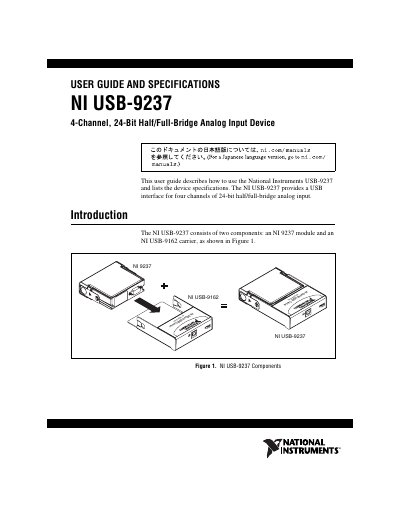
The NI USB-9237 consists of two components: an NI 9237 module and an NI USB-9162 Hi-Speed USB carrier. The guide details the assembly steps for installing the module into the carrier, ensuring no signals are connected before insertion.
Once installed, the device connects to a computer via a USB cable. A green LED indicator next to the connector shows device status; steady blinking indicates initialization and power receipt. Proper mounting requires using threaded inserts located on the device.
| Channels | Four channels |
|---|---|
| Resolution | 24-bit |
| Interface | USB |
The green LED blinks steadily to indicate that the device is initialized and receiving power from the connection.
No, you must ensure no signals are connected to the module before installation.