
This manual provides step-by-step installation instructions and connection examples, along with basic user information for installation and ongoing use of the TS2.
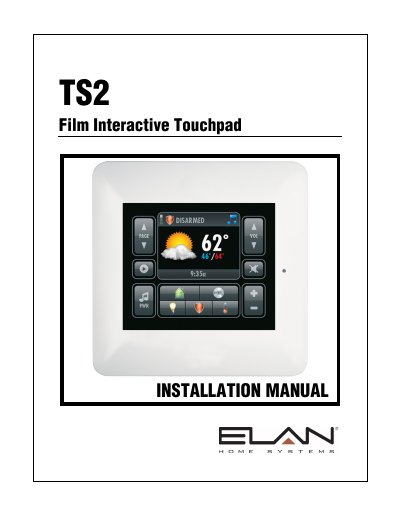
The ELAN TS2 is a double-gang, in-wall system controller that utilizes a polyester plastic film suspended over a glass panel to perform functions normally associated with a keypad. It features a 2-inch color OLED display and is designed for use with ELAN Home Controllers running Core Module Software 5.0 or later. The device supports basic time and weather information, lighting, security, climate, and media control interfaces.
| Display Type | 2" Organic LED (OLED) |
|---|---|
| Resolution | 220 pixels (W) x 176 pixels (H) |
| Operating Temperature | 32°F-104°F / 0°C-40°C |
| Power Requirements | 12-16VDC |
| Current Draw | 150mA |
| Dimensions (with front bezel) | 4 5/8 W x 4 5/8 H x 1 3/16 D |
The TS2 is for use with ELAN Home Controllers running Core Module Software 5.0 or later.
Yes, the brightness-adjusting light sensor can be disabled via the service menu.
This usually indicates the RJ45 plug is incorrectly crimped or has an incorrect pinout.