
This document describes how to install the 4G680V2.0 Wireless N300 4G LTE and VoLTE Router.
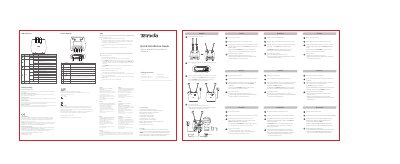
This document serves as a Quick Installation Guide for the Tenda Wireless N300 4G LTE and VoLTE Router (Model 4G680V2.0). It details the steps required to set up the device out of the box, including attaching antennas, inserting a SIM card, connecting power, and accessing the internet via wired or wireless connections.
The guide is multilingual, providing instructions in English, German, Estonian, Czech, Italian, Latvian, Polish, Romanian, Lithuanian, Slovak, Spanish, French, and Russian. It also includes technical specifications such as operating temperature ranges, supported frequency bands for the EU region, and safety warnings regarding radio interference.
| Product Type | Wireless N300 4G LTE and VoLTE Router |
|---|---|
| Model Number | 4G680V2.0 |
| Operating Humidity (EU) | (10% - 90%) RH, non-condensing |
| Power Adapter Input | 100 - 240V AC, 50/60 Hz 1A |
| Power Adapter Output | 12V 1A : DC Voltage |
| Adapter Model | BN036-A12012E;BN036-A12012B |
| Manufacturer | SHENZHEN TENDA TECHNOLOGY CO. LTD. |
Check that the computer is connected properly and obtains an IP address of 192.168.0.X (X ranges from 2 to 254). If not, reconnect after disconnecting the WAN connection or clear your browser cache.
When the INTERNET LED indicator blinks blue or green, the router is connected to the internet successfully.