
This manual explains how to use Philips EasyKey Alpha Push-pull Smart Door Lock. It includes installation, unlocking, locking, other functions, and troubleshooting.
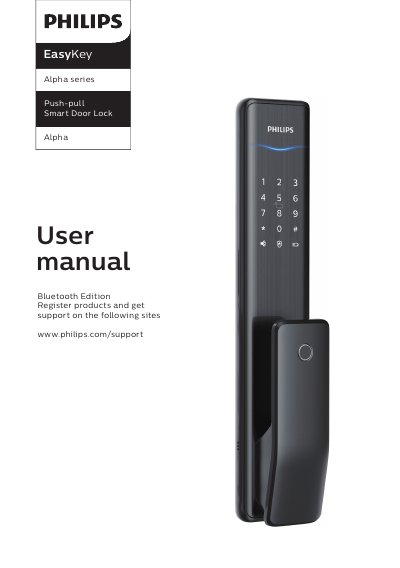
The Philips EasyKey Alpha is a Bluetooth-enabled smart door lock designed for secure access control. This manual covers essential safety information, installation procedures including pre-installation checks and hardware assembly, and detailed user setup instructions.
The guide explains how to configure security settings such as PIN codes, fingerprints, and card keys. It also details the operation of various indicators, alarm modes (such as low battery or anti-dismantle alarms), and troubleshooting steps for common issues like deadbolt abnormalities. This manual is written in Chinese.
| Power Source | Four 1.5V alkaline batteries |
|---|---|
| Emergency Power | Micro USB interface with 5V power bank |
| Battery Capacity | Two sets of working power (up to 8 batteries) |
You can power the lock through the Micro USB interface by using a 5V power bank.
It indicates that the door has been locked.
The alarm can be turned off by a successful verification of any type.