
Simrad MO Series Monitors User Manual

This manual is a manual for the MO series monitor, which introduces the usage of the monitor.
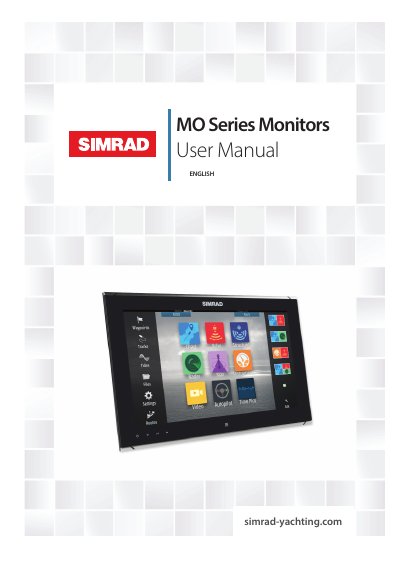

Simrad MO Series Monitors User Manual - cover page
Brand
Simrad
Document type
User Manual
Language
English
Pages
26
File format
PDF
File size
2.8 MB
Published
16 October, 2023
Updated
16 October, 2023
MD5 checksum
EE3CBD80B8E9E256E17B77479050CEC2

About this manual

The Simrad MO Series offers a low-profile, high-brightness solution for displaying video from various sources. The range includes six models: 16", 19", and 24" Touch series (suited for indoor/outdoor use) and 16", 19", and 24" Pilot series (suited for enclosed helm installations). All monitors accept video via HDMI, DVI-I, and composite inputs.

What's inside

  • Introduction
  • Items included
  • Display installation
  • Cutout template
  • Flush mounting the display
  • VESA mounting the display
  • Connecting the display
  • Operating the display
  • Troubleshooting tips
  • Cleaning and maintenance

Frequently asked questions

What video inputs do Simrad MO Series monitors accept?

All monitors in the range accept video via HDMI, DVI-I and composite inputs.

Which Simrad MO models are suitable for direct sunlight?

The Touch models (16", 19", and 24") are suited to both indoor and outdoor use including direct sunlight.

Do Pilot series monitors require an external controller?

Yes, when connected to a Marine Processor, the Pilot series requires an external controller such as the OP40.

Download PDF (2.8 MB)

More Simrad Manuals


View all Simrad manuals →