
This file is the user manual for Yuma 2 tablet computer, which introduces the operation methods of tablet computer such as power on/off, using touch screen, using input panel, connecting power, installing SIM card etc.
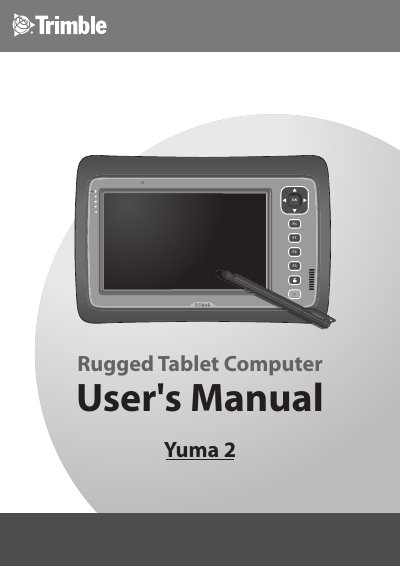
This manual provides instructions for operating the Trimble Yuma 2 rugged tablet computer. It guides users through the initial setup process, including unpacking, installing the stylus and SIM card, and connecting power sources. The device is designed for use in harsh outdoor environments, including extreme temperatures and dusty conditions.
The guide details how to use the tablet's core features, such as the touch screen, input panel, wireless LAN, Bluetooth, 3G network, and GPS. It also covers expanding the device with USB and HDMI peripherals, managing battery power, and performing system recovery via BIOS setup.
| Product Type | Rugged Tablet Computer |
|---|
The rugged design allows you to use it in harsh outdoor environments, including blazing heat, subzero cold, driving rain, or dusty surroundings.
High-power radars are allocated as primary users of the band 5250-5350 MHz and may cause interference to LE-LAN devices.
For products available in the USA and Canada markets, only channel 1~11 can be operated.