
This is a data logger user manual which includes information on the product's usage methods and installation methods.
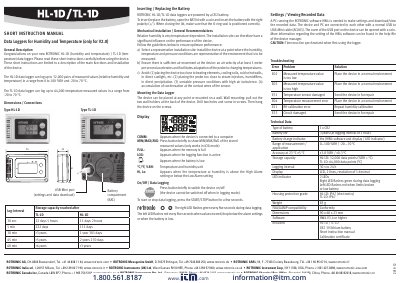
This document is a short instruction manual for the ROTRONIC HL-1D (humidity and temperature) and TL-1D (temperature) data loggers. It provides essential information on device description, mechanical installation, battery replacement, and general usage recommendations to ensure optimum performance in various environments.
| Measurement Range (Humidity) | 0 to 100 %RH |
|---|---|
| Measurement Range (Temperature) | -20 to 70 °C |
| Storage Capacity (HL-1D) | 32,000 data points |
| Storage Capacity (TL-1D) | 64,000 data points |
| Battery Type | CR2 |
| Battery Life | 3 years (at 1 hour interval) |
| Housing Protection Grade | IP67 |
The HL-1D data logger can measure relative humidity in a range from 0 to 100 %RH.
Open the BAT lid with a coin, insert the CR2 battery with the correct polarity (+/-), and ensure the O-ring seal is positioned correctly.
A PC running the ROTRONIC HW4 software (V3.4 or higher) is required.
The left LED flashes red when values exceed or drop below alarm settings, or when the battery is low.