
This manual introduces the function and use of the MB35 halogen moisture analyzer.
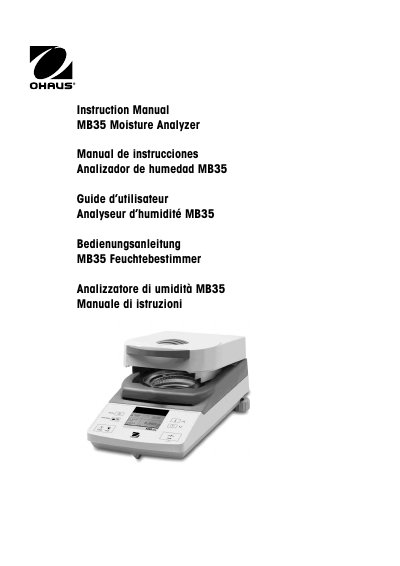
The Ohaus MB35 is a halogen moisture analyzer designed for determining moisture content in samples. The document covers safety precautions, unpacking, and installation steps including connecting to power supplies and installing shields.
It details how to configure the device settings such as language, weight calibration, temperature calibration (requiring a specific kit), time/date, and RS232 communication. Operating instructions include setting drying parameters and running tests, while maintenance sections cover cleaning and replacing fuses.
| Capacity | 35g |
|---|---|
| Readability | 0.001g, 0.01% |
| Temperature Settings | 50° C to 160° C (5° increments) |
| Heat Source | Halogen |
| Dimensions | (DxWxH) (cm) 35.5 x 19 x 15.2 |
| Weight | 4.5 kg |
| Power Supply Voltage | 100 V – 120 V or 200 V – 240 V, 50/60 Hz |
A Temperature Calibration Kit is required to perform temperature calibration.
The instrument requires at least 60 minutes of warm-up time after connecting to the power supply.
The maximum capacity of the MB35 Moisture Analyzer is 35g.