
This file is an instruction manual for OHAUS SF40A printer
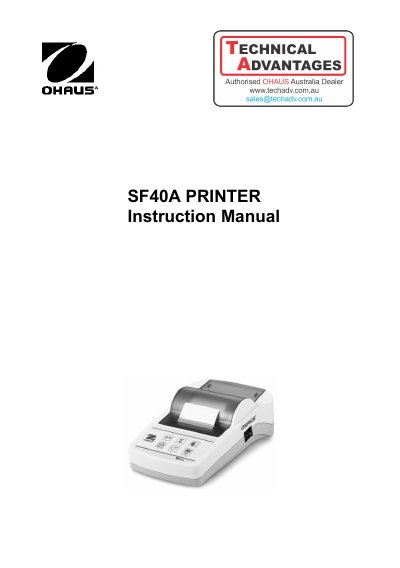
The OHAUS SF40A is an advanced dot matrix printer designed for use with OHAUS instruments. It features Statistics and Totalization functions, supports 13 languages, and meets quality assurance system requirements such as GLP, GMP, and ISO9001. The device includes a real-time clock and ensures data traceability through stable, light-resistant printouts.
The document covers startup procedures, including safety measures and power supply requirements. It details two methods for setup: using the accompanying software or operating the printer directly via its control panel. The manual also explains how to install the printer, insert paper, and perform maintenance tasks like changing paper rolls and replacing ribbon cartridges.
| Printing unit | Dot matrix printer 5x7, 40-character line length |
|---|---|
| Printing speed | 1.2 lines per second |
| Power supply | 100 – 240 VAC, 50 – 60 Hz |
| Secondary voltage | 12 VDC, 2.5 A |
| Ambient temperature | 0 ºC – 40 ºC |
| Interface | RS232C |
| Dimensions | 120 mm x 203 mm x 73 mm |
| Net weight | 740 g (paper roll incl.) |
The printer supports all 13 languages present in Ohaus instruments.
You can set up the printer using the accompanying software or by operating the printer only via the control panel.