
This manual introduces the installation, operation and maintenance of the CL series scales.
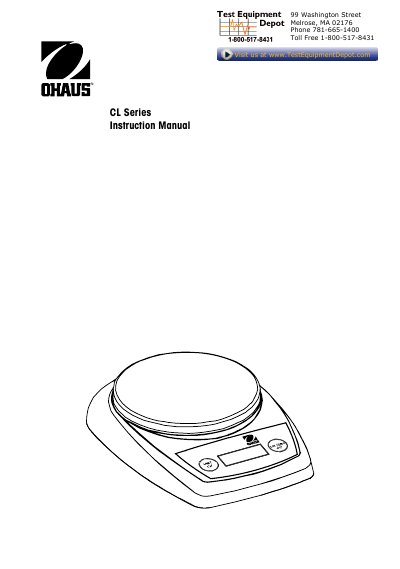
This document serves as the instruction manual for the Ohaus CL Series of digital scales. It covers essential safety precautions, installation procedures using either AC power or batteries, and the operation of the two-button keypad for weighing and unit changes. The guide also details the calibration process using external weights and lists available accessories.
| Capacity | 200g, 500g, 2000g, 5000g |
|---|---|
| Readability | 0.1g |
| Repeatability | 0.1g |
| Linearity | 0.1g |
| Stabilization Time | < 3 seconds |
| Power Requirements | AC Adapter or 3-AA batteries |
| Optimum Operating Temperature | 18° to 25°C |
| Typical Battery Life | 300 hours |
| Pan Size | 120mm / 4.75 inch diameter |
Press the UNIT CAL button briefly to cycle through available units such as grams, pounds, or ounces.
A star indicator appears in the lower left corner of the display when a stable reading has been reached.
The display shows 'Lo' when the batteries are weak and need to be replaced.