
This manual introduces the safe use methods, installation methods, and sample testing methods of the MC2000 moisture analyzer
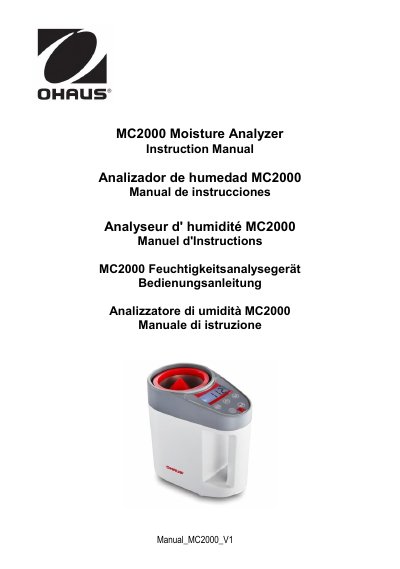
This document is the official instruction manual for the Ohaus MC2000 Moisture Analyzer. It provides comprehensive guidance on safety precautions, installation steps including battery installation and weight calibration, and detailed operation instructions for various modes such as standby, category, and measurement. The manual explains how to perform tests, adjust settings, and set up new categories for different sample types to ensure accurate moisture determination.
| Calibration Weight | 200g |
|---|---|
| Battery Type | 4AA Batteries |
Place a 200g calibration mass on the sensor (top of red cone) when the display shows '0.0' flashing.
The difference of moisture level between each standard sample should be around 5%.