
This file is about ScoutTM USB Device Interface INSTRUCTION MANUAL, introducing how to install and use the interface.
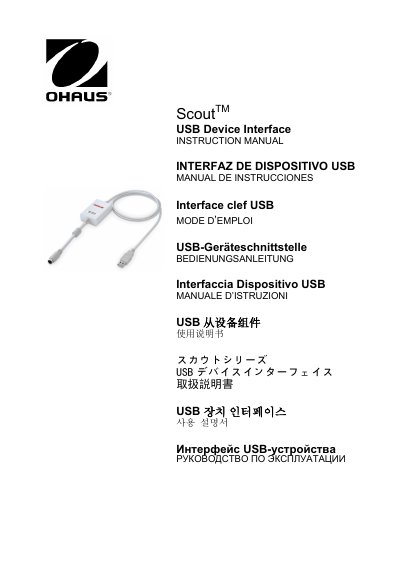
The OHAUS Scout USB Device Interface Kit allows users to connect a balance to a computer via a Universal Serial Bus (USB) connection. The kit includes an interface module that installs into the mini DIN port on the rear of the balance and a CD containing software drivers to create a virtual COM port on the host PC.
The PC must be running Windows 98, Windows 98SE, Windows ME, Windows 2000, Windows XP, or Windows 7.
Install the Interface module on the mini DIN port (round connector) located at the rear side of the balance while it is powered off.
The OHAUS Interface is preset to communicate using 9600 baud, 8 bit, no parity, and no handshake.