
This document introduces how to calibrate the Ohaus Scout Pro electronic scale
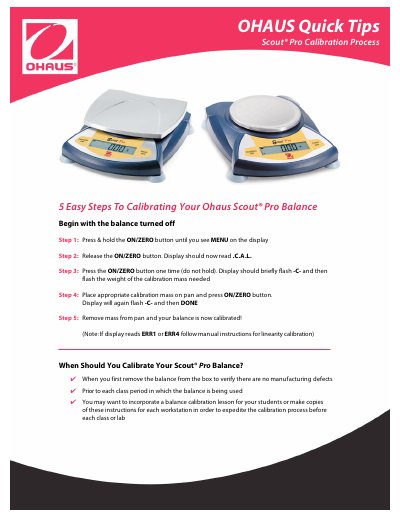
This document outlines a quick, five-step process for calibrating an Ohaus Scout Pro electronic balance. The procedure involves navigating the menu system using the ON/ZERO button to enter calibration mode, placing the appropriate mass on the pan, and confirming completion via display indicators.
The guide also specifies when users should perform this calibration, such as upon first removing the device from its packaging or prior to each class period where the balance is utilized. It suggests that these instructions can be copied for multiple workstations to streamline the process in educational settings.
You should calibrate when first removing the balance from the box to verify manufacturing defects, or prior to each class period in which it is being used.
If the display shows these errors, you should follow the manual instructions for linearity calibration.