
The manual introduces the use of Scout ® USB Device Interface product
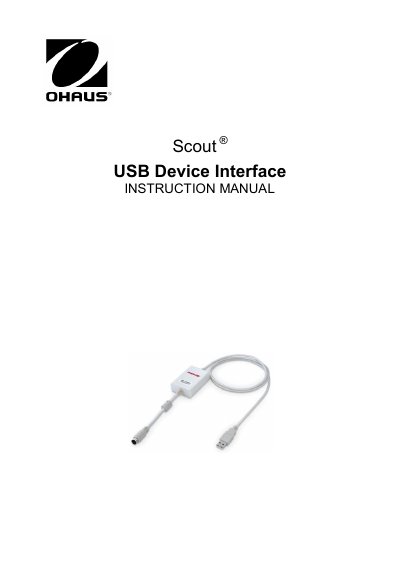
The OHAUS USB Device Interface Kit allows users to connect Scout series balances (STX, SPX, SKX, and SJX) to a computer via a Universal Serial Bus (USB). The kit includes an interface module that installs into the mini DIN port on the balance and a CD containing software drivers to create a virtual COM port. System requirements include PCs running Windows 98 through Windows 7 or compatible iMac models.
This Interface Kit is for use with OHAUS Scout STX, SPX, SKX and SJX series products.
The OHAUS Interface is preset to communicate using 9600 baud, 8 bit, no parity, and no handshake.
Install the Interface module on the mini DIN port (round connector) located at the rear side of the balance while the device is powered off.