
This product is a thermo-hygrometer-air quality table with temperature, humidity, CO, CO2, temperature and humidity, light and other sensors, supporting multiple data recording and alarm functions
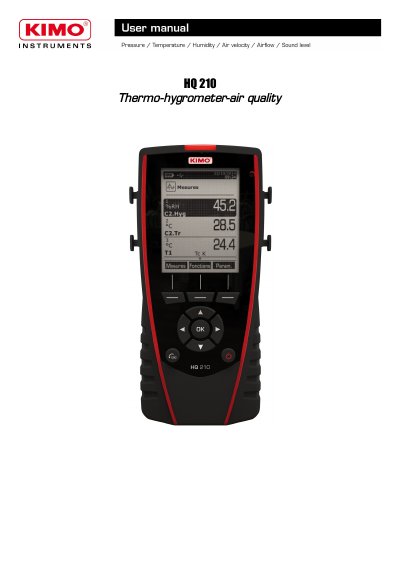
The document serves as a user guide for the TSI HQ210 instrument, covering its presentation, key functions, and battery management. It details how to connect various interchangeable modules such as thermocouples, climatic condition sensors, and wireless probes.
The manual also explains how to configure the device settings, including language, date/time, auto-off timers, and security codes. Furthermore, it describes procedures for setting measurement parameters like units, alarm thresholds, and channel configurations for different probe types.
| Display resolution | 120x160 pixels graphic display |
|---|---|
| Battery type | Rechargeable Li-ion battery inside the instrument |
| Power adapter output | 5 V, 1 A power adapter |
| Battery life (pressure module) | 16 h |
| Battery life (hotwire probe) | 14 h |
You can set the auto-off duration to 15, 30, 45, 60, 75, 90, 105, or 120 minutes, or deactivate it.
The instrument supports K, J, T, and S type thermocouples.