
This document describes how to use Leica AT9x0 laser tracker, including IP address setting, accessories compensation, interface startup, etc.
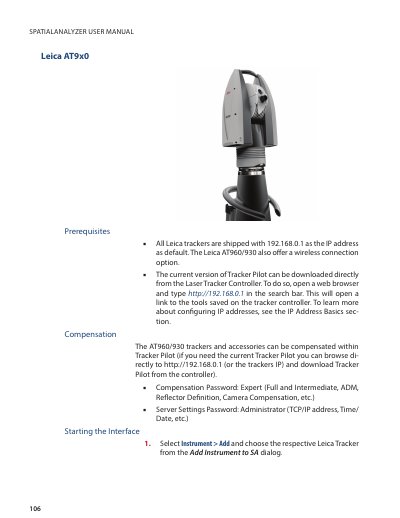
The document serves as a user guide for integrating Leica AT960/930 laser trackers into the SpatialAnalyzer (SA) measurement system. It details how to add instruments via the interface module, configure IP addresses, and manage connections using Tracker Pilot.
Key operational topics include performing 6D shank measurements for sheet metal applications with T-probes and utilizing proximity triggers for edge measurements. The guide also explains external trigger configurations, allowing users to control scan start/stop signals internally or externally via custom profiles.
All Leica trackers are shipped with 192.168.0.1 as the IP address by default.
The password 'Expert' is required for Full and Intermediate, ADM, Reflector Definition, Camera Compensation, etc.
The password 'Administrator' is required to access TCP/IP address, Time/Date, and other server settings.