
Gateway Lite BT is a car audio player that supports iPod/iPhone/USB music playback.
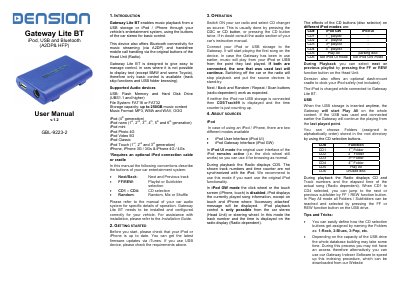
The Dension Lite BT is a vehicle entertainment interface designed to enable music playback from USB storage devices, iPods, and iPhones through the car stereo system. It supports various audio formats and allows users to browse folders using the car's CD changer buttons. The device also facilitates Bluetooth connectivity for music streaming (A2DP) and handsfree mobile phone calls (HFP), utilizing the car's original stereo buttons for control.
| Supported USB File Systems | FAT16 or FAT32 |
|---|---|
| Maximum USB Storage Capacity | up to 250GB |
| Supported Audio Formats | MP3, WMA, WAV, OGG |
| Warranty Period | one-year limited warranty |
Enter 8888 for connection when pairing the phone to the Gateway.
Press the FF button for longer than 10 seconds while in Text selector mode to activate text display.
Text display is generally not available except on BMW and some Toyota vehicles.