
The Gateway Lite BT allows music playback from USB flash drives or iPod/iPhone through the car's factory audio system, as well as hands-free calling and streaming via Bluetooth. Supported devices include USB flash drives, iPods, and iPhones.
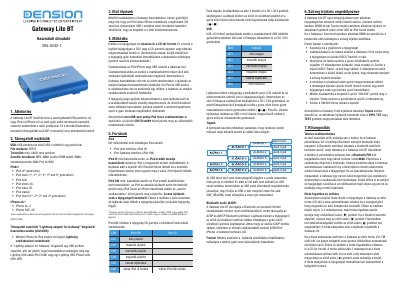
The Dension Gateway Lite BT is an interface device that allows music playback from a USB drive or iPod/iPhone through a car's factory audio system. It also supports Bluetooth calling and A2DP music streaming.
The manual details supported devices including specific iPod generations and iPhone models, as well as required file systems (FAT32) and storage limits. It explains how to configure the device for different operating modes, such as iPod UI or Gateway Interface, and provides step-by-step instructions for pairing with mobile phones via Bluetooth.
| File System | FAT32 |
|---|---|
| Storage Capacity | max. 64GB |
| Bluetooth PIN Code | 8888 |
The Bluetooth PIN code required for pairing is 8888.
The device only supports the FAT32 file system for USB drives.