
This user guide explains how to connect and operate the Dension Gateway Lite to play music from USB or iPod devices via a vehicle's stereo system.
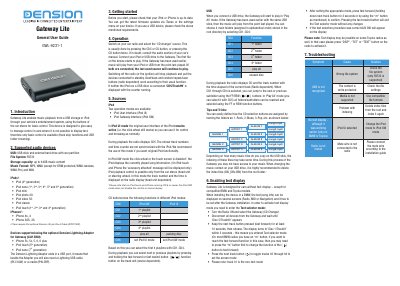
The Dension Gateway Lite is a device designed to enable music playback from USB storage or iPods through a vehicle's entertainment system. It allows users to control playback using the car stereo's buttons, providing basic functions like track skipping and folder browsing for systems that cannot display text. The device supports various iPod generations and iPhone models, as well as USB drives formatted in FAT32.
| USB Storage capacity | up to 64GB |
|---|---|
| File System | FAT32 |
| Warranty period | one-year |
The device only supports the FAT32 file system.
The device supports USB storage with a capacity of up to 64GB.
You must keep the next track button pressed for at least 10 seconds to enter Text selector mode.