
Key facts
- Manuals
- 3
- Languages
- EN · HU
- Last added
- 2026-10-27
Featured Dension manuals
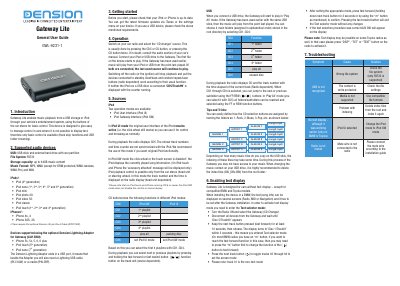
Dension Gateway Lite User Guide
The Dension Gateway Lite is a device designed to enable music playback from USB storage or iPods through a vehicle's entertainment system. It allows users to control playback using the car stereo's buttons, providing basic functions like track skipping and folder browsing for systems that cannot display text. The device supports various iPod generations and iPhone models, as well as USB drives formatted in FAT32.
Covers: Introduction · Supported audio devices · Getting started · Operation · Sources · Enabling text display
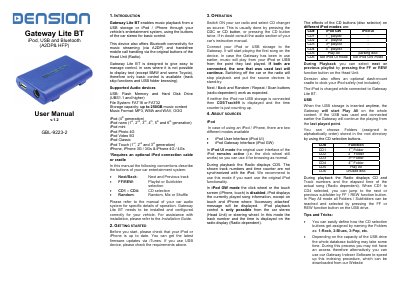
Dension Lite BT iPod, USB and Bluetooth User Manual
The Dension Lite BT is a vehicle entertainment interface designed to enable music playback from USB storage devices, iPods, and iPhones through the car stereo system. It supports various audio formats and allows users to browse folders using the car's CD changer buttons. The device also facilitates Bluetooth connectivity for music streaming (A2DP) and handsfree mobile phone calls (HFP), utilizing the car's original stereo buttons for control.
Covers: Introduction · Getting Started · Operation · About Sources · Enabling Text Display · Handsfree Option
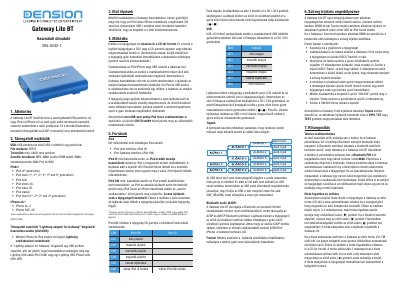
Dension Lite BT User Manual
The Dension Gateway Lite BT is an interface device that allows music playback from a USB drive or iPod/iPhone through a car's factory audio system. It also supports Bluetooth calling and A2DP music streaming.
The manual details supported devices including specific iPod generations and iPhone models, as well as required file systems (FAT32) and storage limits. It explains how to configure the device for different operating modes, such as iPod UI or Gateway Interface, and provides step-by-step instructions for pairing with mobile phones via Bluetooth.
Covers: Overview · Supported Devices · USB Playback · Bluetooth Audio · Playlist Selection · Text Display Configuration
Latest Dension manuals
Dension Gateway Lite User Guide
User Manual 2 pages · 106 KB · ENThis user guide explains how to connect and operate the Dension Gateway Lite to play music from USB or iPod devices via a vehicle's stereo system.
Dension Lite BT iPod, USB and Bluetooth User Manual
User Manual 2 pages · 217 KB · ENUser manual for the Dension Lite BT vehicle interface, covering music playback from USB/iPod/iPhone and Bluetooth handsfree calling.
Dension Lite BT User Manual
User Manual 2 pages · 112 KB · HUThis user manual provides instructions for the Dension Gateway Lite BT, covering USB/iPod/Bluetooth setup, playlist management, and troubleshooting.
Which document do I need?
User Manual
Day-to-day operation, settings and troubleshooting. Start here if the product is already set up.
Questions answered in Dension manuals
What file system is supported for USB drives?
The device only supports the FAT32 file system.
What is the maximum supported storage capacity for a USB device?
The device supports USB storage with a capacity of up to 64GB.
What is the Bluetooth pairing code for the Lite BT?
Enter 8888 for connection when pairing the phone to the Gateway.
How do I enable text display on the Gateway Lite BT?
Press the FF button for longer than 10 seconds while in Text selector mode to activate text display.
What is the Bluetooth pairing code for the Gateway Lite BT?
The Bluetooth PIN code required for pairing is 8888.
What file system format does the Gateway Lite BT support?
The device only supports the FAT32 file system for USB drives.