
This manual describes how to install and use the SarosTM Dome Camera.
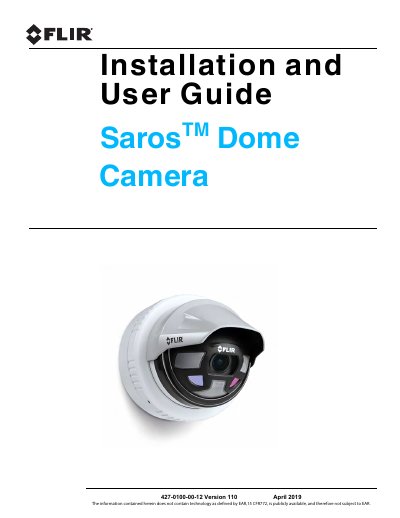
This manual provides instructions for installing and configuring the FLIR Saros Dome security camera. It covers camera overview, installation steps including wall mounting and back box installation, and connecting power via PoE or conventional supplies. The guide also details camera connections, grounding, and aiming procedures.
| Video Resolution | 1080p |
|---|---|
| Power Supply Options | PoE or 24 Vac or 12 Vdc |
| Ethernet Cable Run | 100 meters |
| Power Standard | IEEE 802.3af-2003 |
| Input/Output Signals | One input, one output |
The camera can be powered using Power over Ethernet (PoE) or with a conventional 24 Vac or 12 Vdc power supply.
The maximum Ethernet cable run is 100 meters, including the PoE power supply.
Yes, the Saros Dome camera can be used for indoor or outdoor security applications.