
This manual introduces how to use EIZO FlexScan S2232H display correctly, and provides information on installation, screen adjustment and settings, troubleshooting, etc.
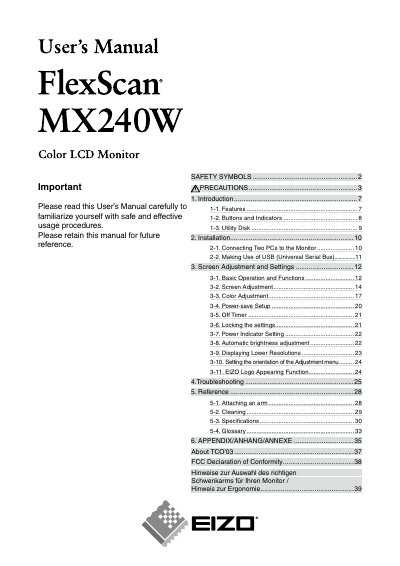
This user's manual describes the EIZO FlexScan MxX240 Color LCD Monitor. It explains safety precautions, installation, connecting two PCs, USB use, screen and color adjustment, power-save setup, the off timer, locking settings, troubleshooting, and reference information.
The document also covers attaching an arm, cleaning, specifications, a glossary, appendix material, and TCO'08 information. The monitor is described as a 24-inch wide format LCD with a resolution of 1920 dots x 1200 lines.
| Display size | 24 inches wide format |
|---|---|
| Resolution | 1920 dots x 1200 lines |
| Inputs | Dual DVI-I inputs |
| Horizontal scanning frequency, analog | 24 - 94 kHz |
| Horizontal scanning frequency, digital | 31 - 76 kHz |
| Power supply | 100-120/200-240 Vac, 50/60 Hz |
| Effective pixels | 99.9994% or higher |
| Frame Synchronous mode | Supported, 59 - 61 Hz |
The resolution is 1920 dots x 1200 lines.
It requires 100-120/200-240 Vac, 50/60 Hz.
It has dual inputs compliant with DVI-I x 2.
The percentage of effective pixels is 99.9994% or higher.