
This document describes how to install the Brocade Mobility RFS4000 Controller.
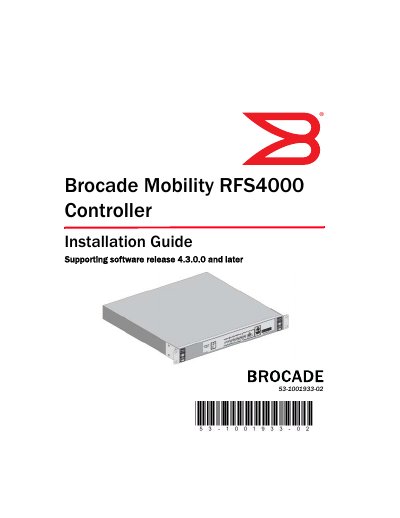
The Brocade Mobility RFS4000 Controller is a centralized Wireless LAN (WLAN) configuration and management device designed to simplify deployment of Wired/Wireless 802.11 networks for SME/SMB environments. It integrates Layer 2/Layer 3 networking services, including PoE+ ports, DHCP Server, Security Services, and IPSEC VPN Gateway.
| Width | 304.8mm (12.0in) |
|---|---|
| Height | 44.45mm (1.75 in) |
| Depth | 254mm (10.0 in) |
| Weight | 2.15 Kg (4.75 lbs) |
| Operating Temperature | 0°C - 40°C (32°F - 104°F) |
| Operating Humidity | 5% - 85% RH, non-condensing |
This guide supports software version 4.3.0.0 and later.
No, a power cord is not supplied; users must use a correctly rated power cord certified for their country of operation.